Basic
For the workshop that wants a simple, complete tool.
Coming soon
Workshop management software
Garage+ brings work orders, scheduling, quotes, invoicing, cash register, stock and customer records together in one simple tool for computer, tablet and phone.
Repair orders, photos, notes: everything is scattered and nothing turns up when you need it.
The customer says yes over the phone, then nothing follows. The quote hangs and work starts with no trace.
Nobody knows what is left: a part already on the shelf gets reordered while another is missing for tomorrow.
Payments are retyped in the evening, and the accountant asks for files at month end.
Garage+ keeps each vehicle’s history, has quotes signed on the customer’s phone, tracks stock in real time and prepares your payments and accounting exports.
Workshop
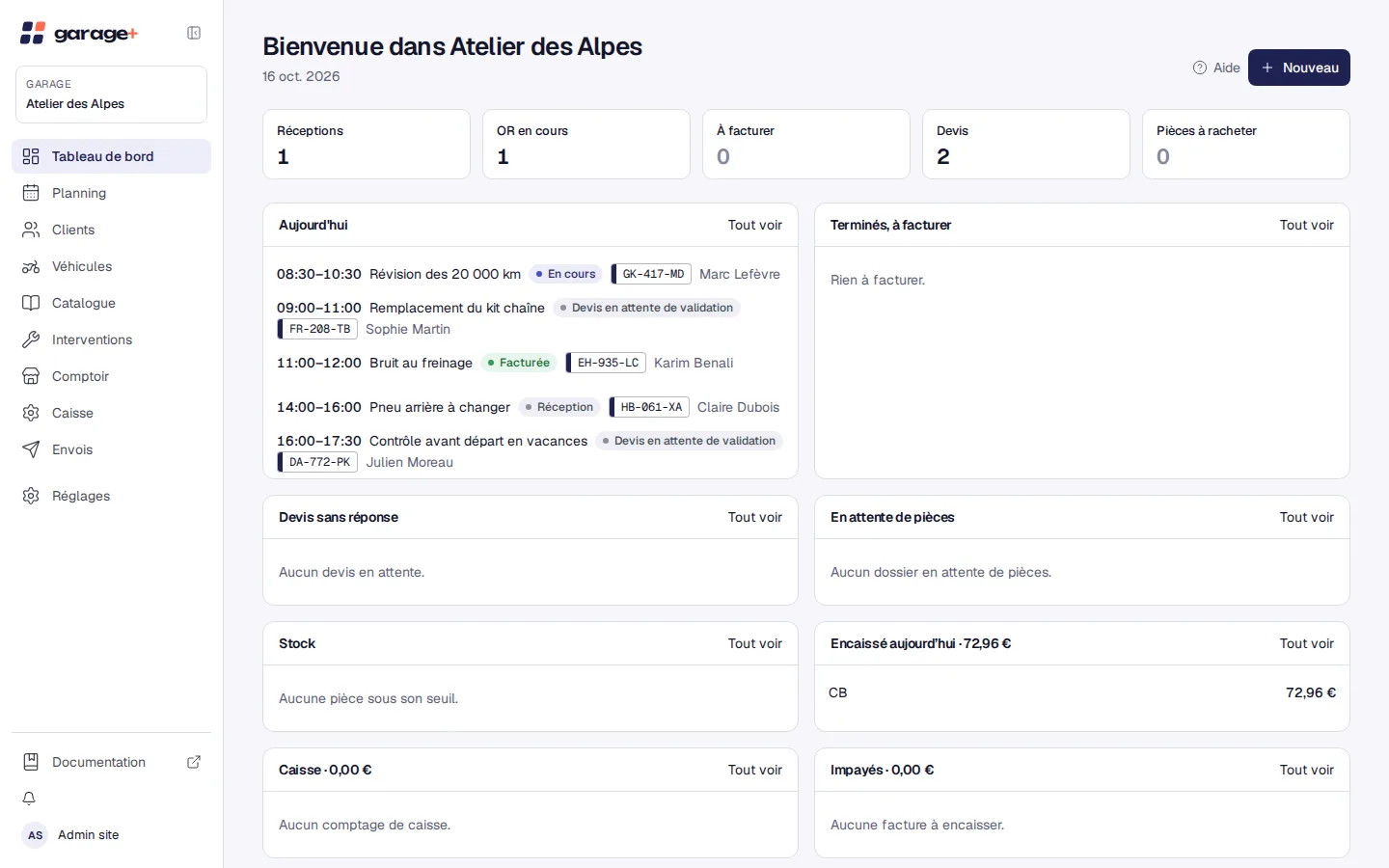
Open a work order, add parts and labor, follow statuses and find every linked document on one timeline. The dashboard shows the workshop’s day at a glance.
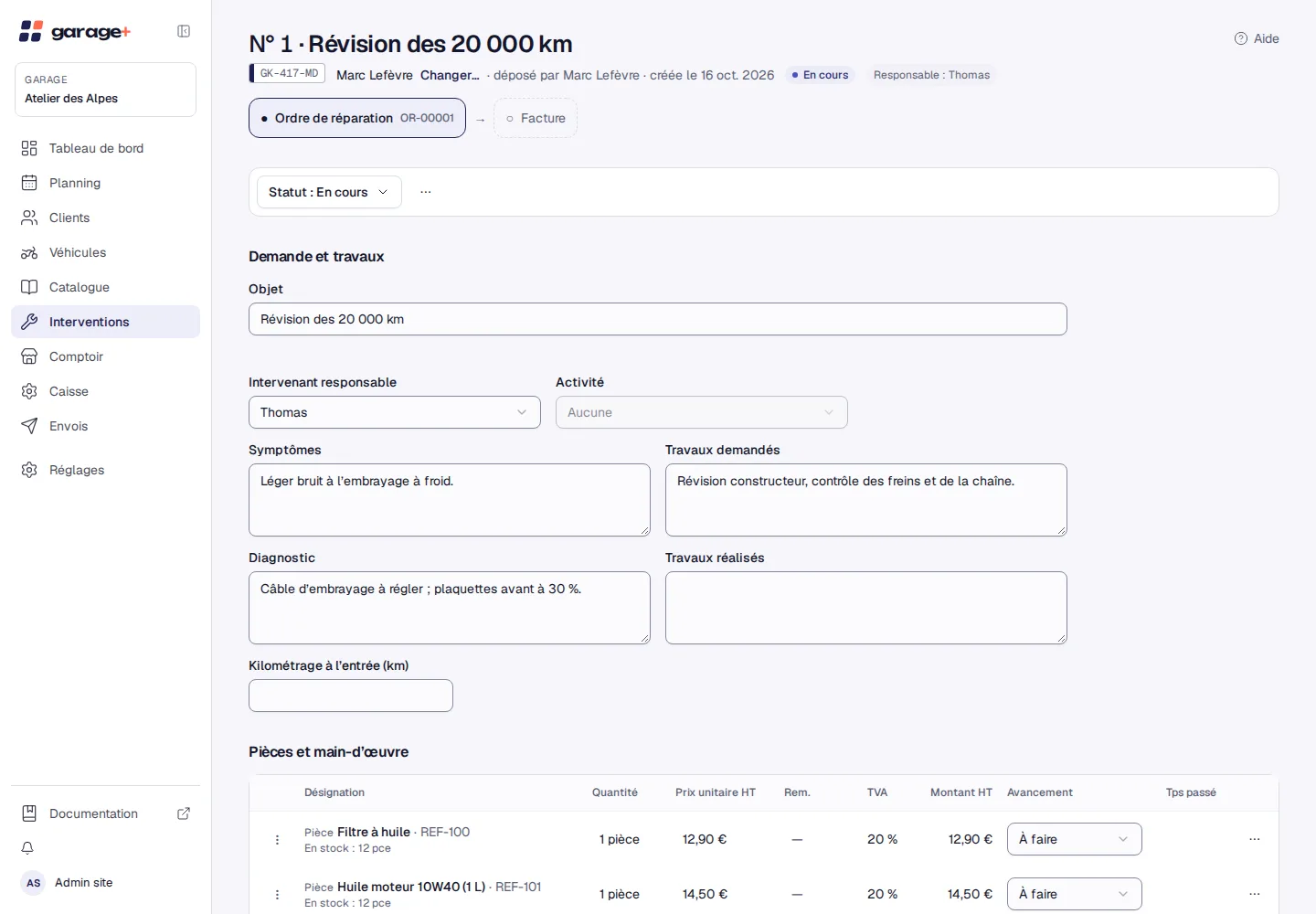
Quotes and signature
Send the quote in one click; the customer accepts or signs on their phone and the proof is kept. Vehicle condition and repair order are signed the same way.
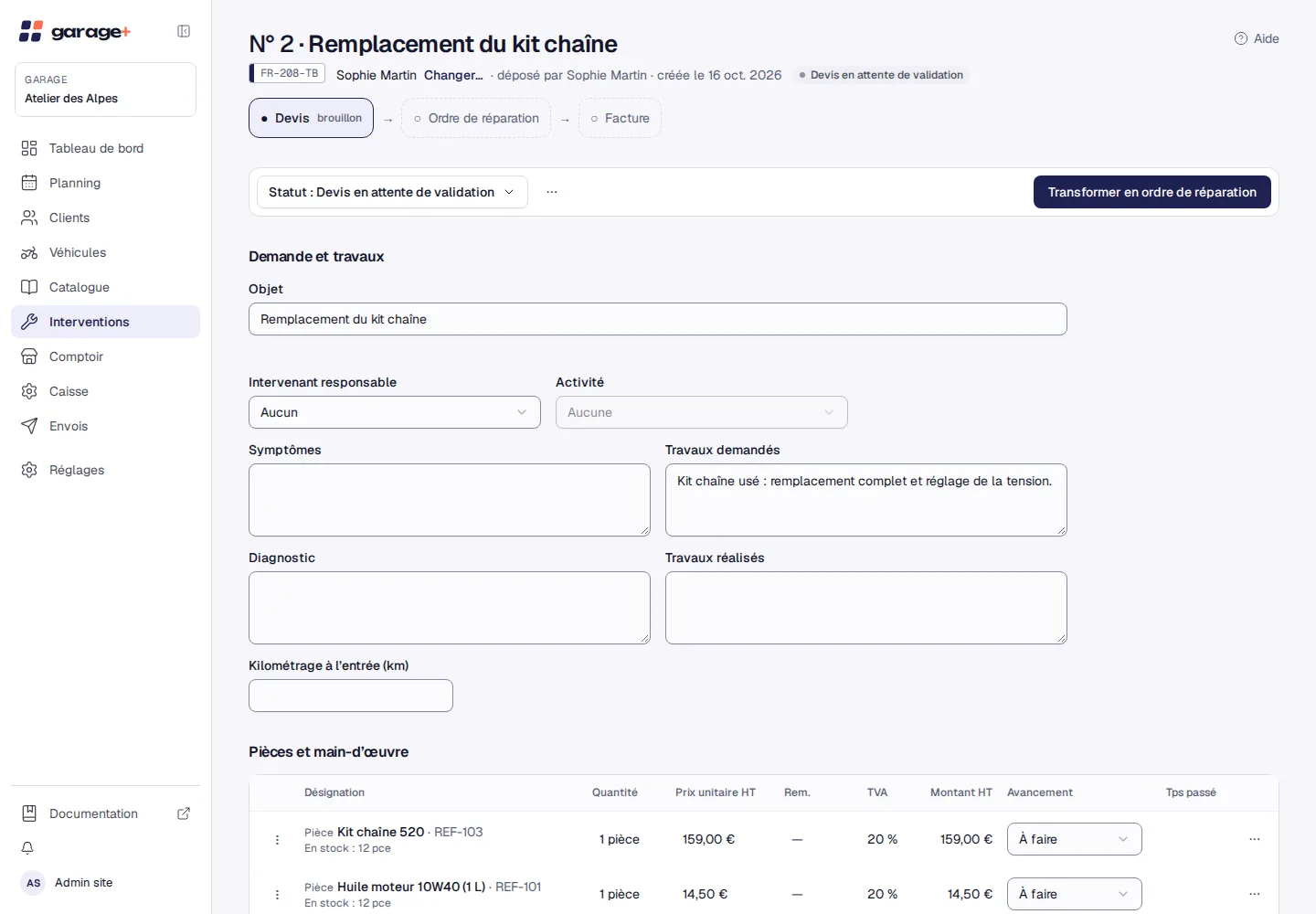
Invoicing and cash register
Invoice from the work order, take payment by card, cash, check or transfer, and keep a chained, signed fiscal journal. The accounting export is ready for your accountant.
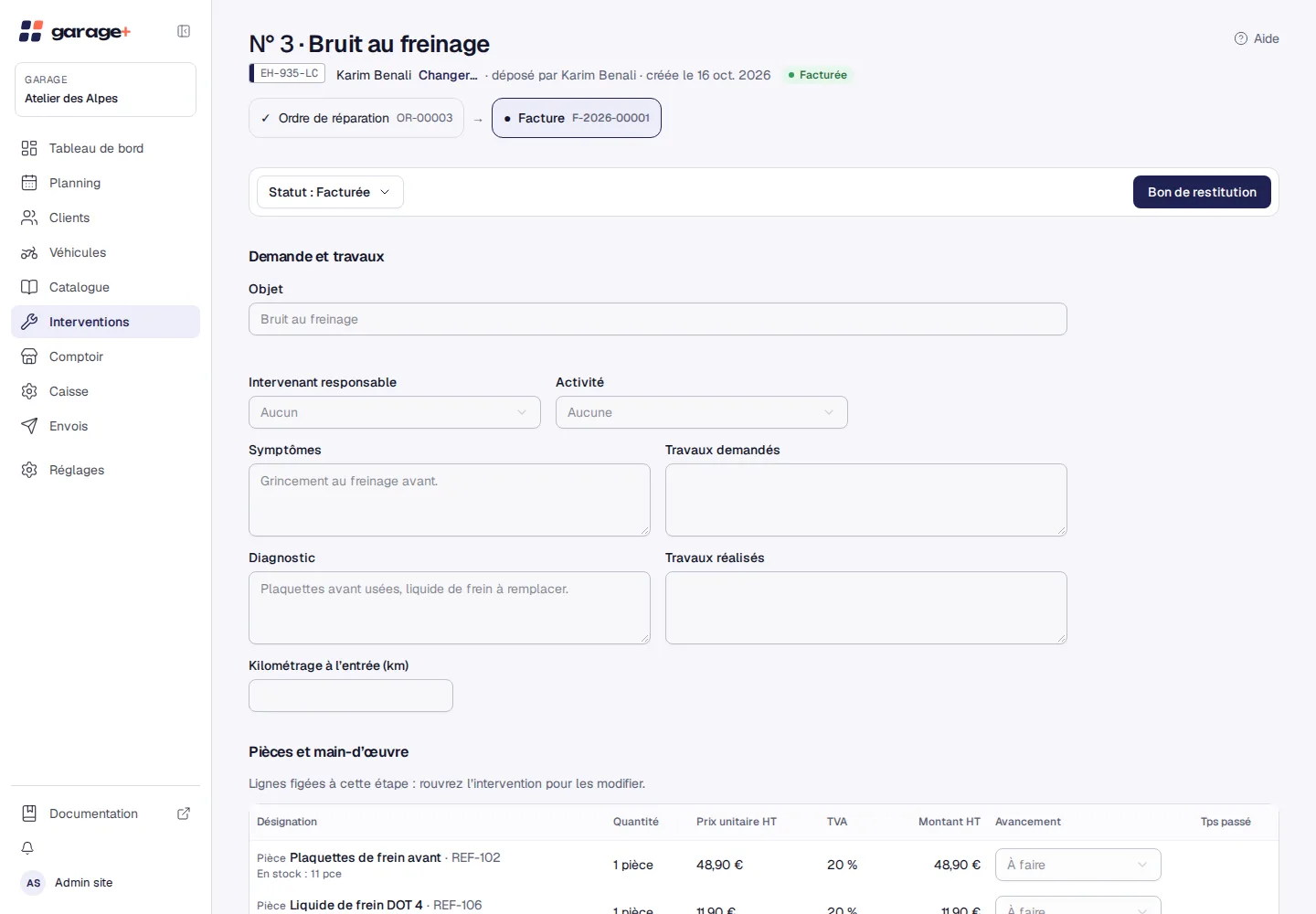
Catalog and stock
One catalog of parts, fixed-price services and service templates, alert thresholds, stock counts and supplier orders. The counter sells parts without opening a work order.
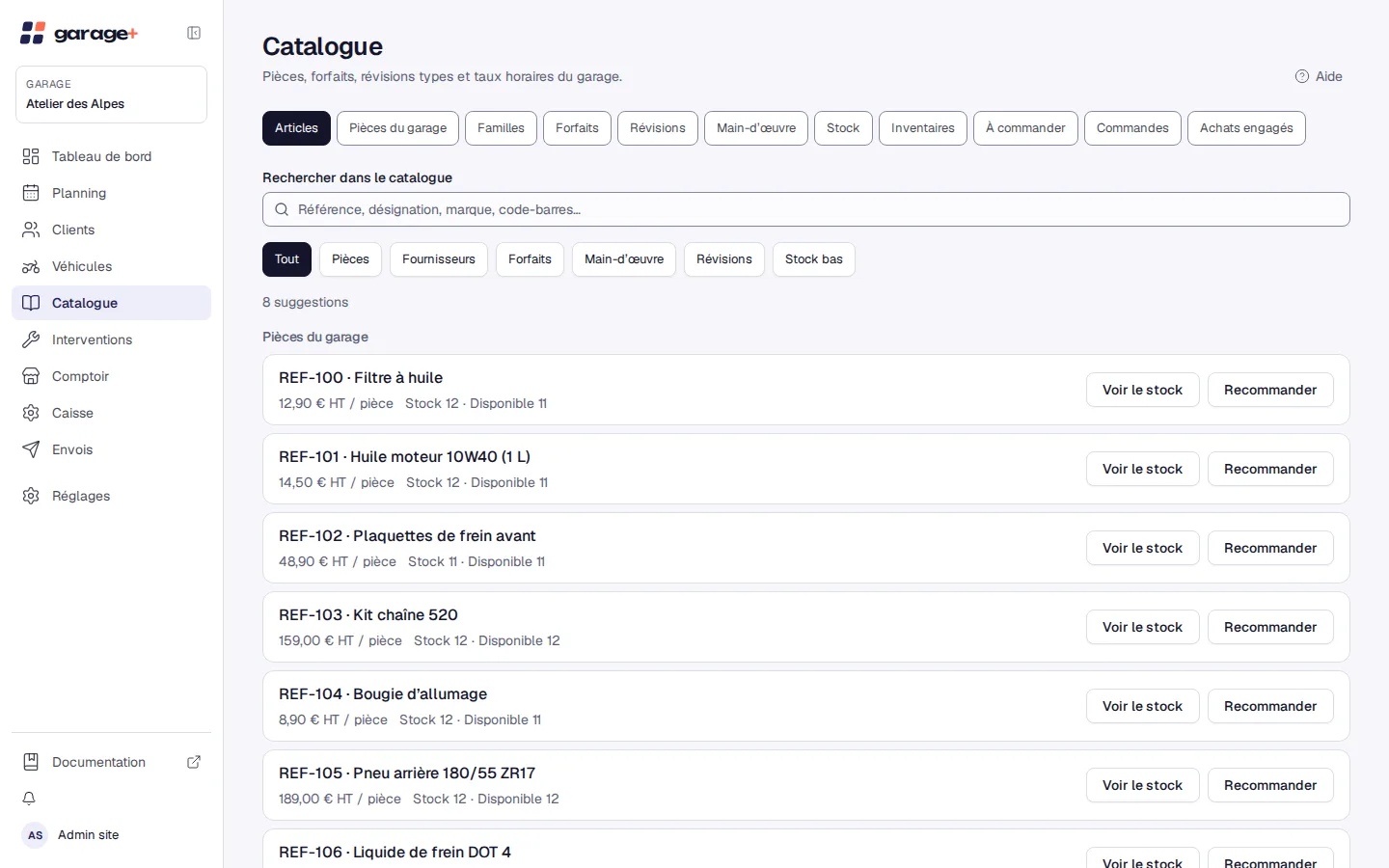
Every feature family, in both plans. You turn on only what you need.
Every vehicle followed from check-in to hand-back.
Clear appointments for the team and the customer alike.
A clean customer file and a full history for each vehicle.
Neat documents, approved without a trip back to the counter.
Built for NF525 certification: tamper-proof documents and a chained fiscal journal.
Sell parts without opening a work order.
Know what you have, what is left and what you can order.
Diagnostic leads drawn from your workshop’s history.
Everyone sees what they need, nothing more.
Garage+ runs in the browser and installs like an app, with no app store. The same software everywhere, in light or dark.
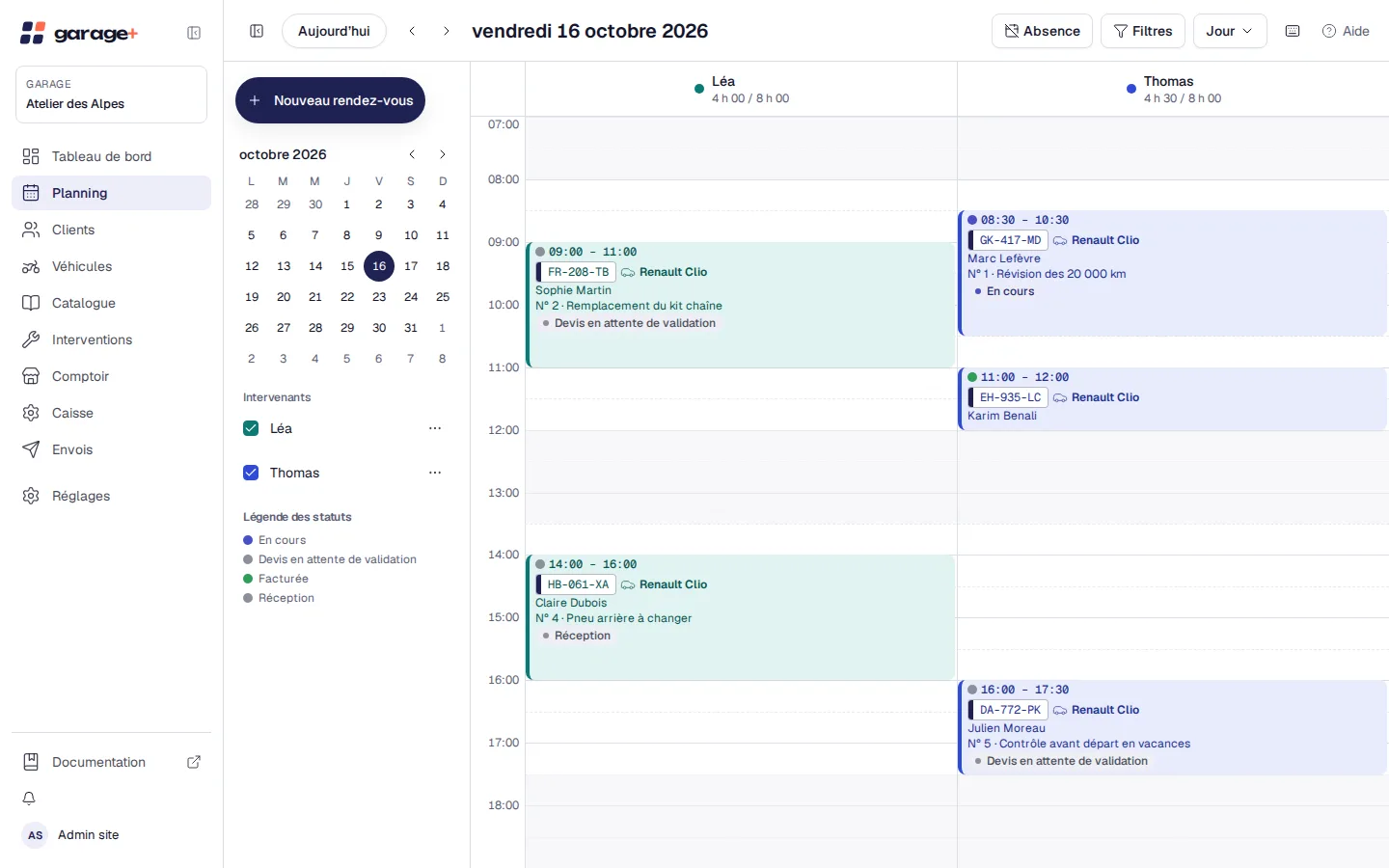
Scheduling, invoicing and catalog management on a large screen.
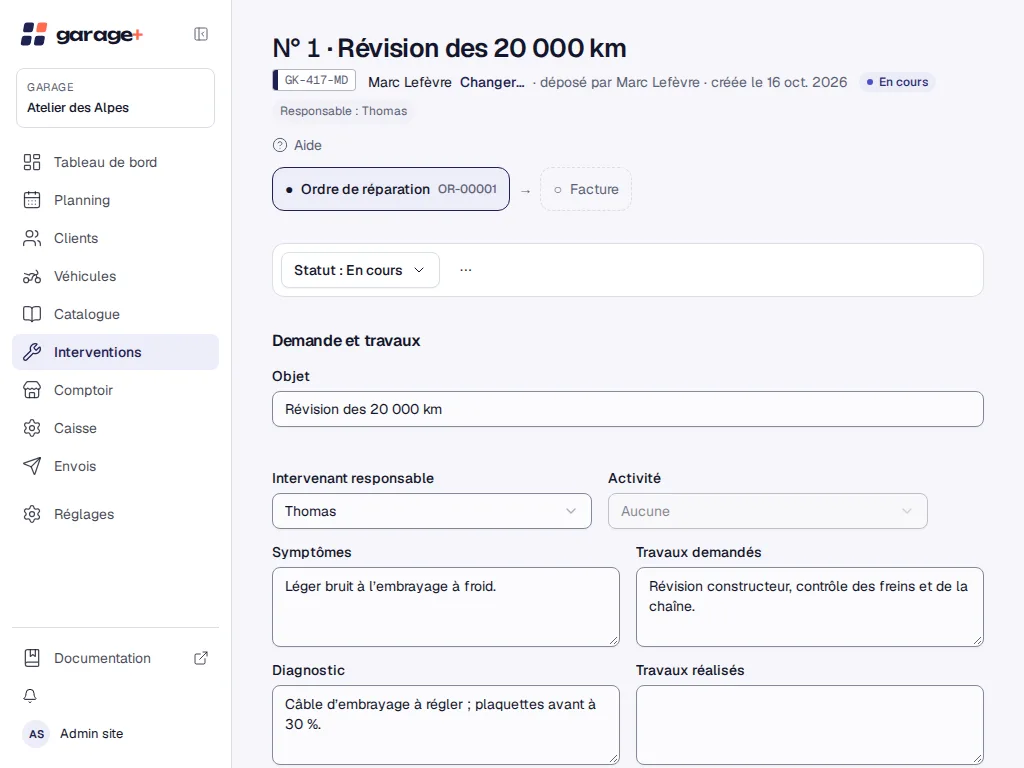
In the workshop: photos, statuses and time entry, without leaving the vehicle.
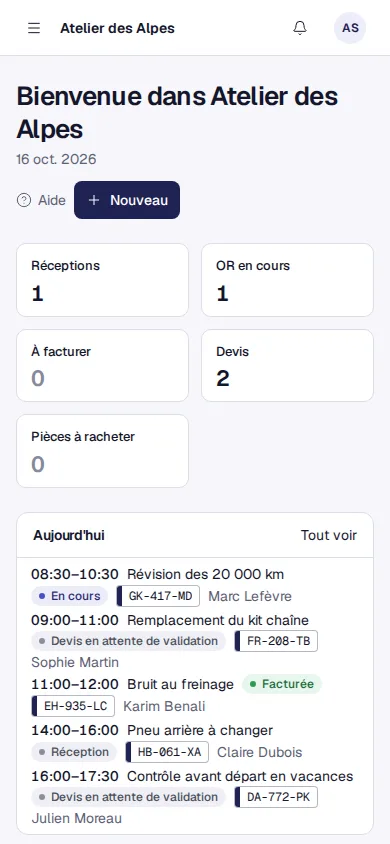
The customer accepts or signs their quote; you check the day on the move.
Garage+ adapts to how you work. Here is what helps most depending on your business.
Follow each machine, its successive owners and its mileage, and keep the full work order history.
From the quote to the signed repair order, every file is traced, whatever brands you handle.
Sell parts at the counter, take them out of stock instantly and order from your supplier.
Share out the work, compare time sold with time spent, and give everyone the right permissions.
Precise rules, enforced by the software itself.
Each garage only sees its own data; the separation is enforced by the database.
Protect accounts with a second factor and control signed-in devices.
Ready-made or custom roles: everyone sees what they need, nothing more.
The support team only accesses your garage if you allow it.
Issued documents cannot be changed; a chained, signed journal records every operation.
A few details are enough, and there is nothing to download.
You describe your workshop, then bring in your catalog and stock from a CSV file.
You open the work order, the customer signs the quote, you invoice.
Prices will be announced soon. You can try Garage+ right now.
For the workshop that wants a simple, complete tool.
Coming soon
The same features today; its content will be set when subscriptions open.
Coming soon
Yes: create an account with the “Try Garage+” button and explore the software. The terms of the trial and of subscriptions will be set out when plans open.
The terms will be published when subscriptions open.
Your data stays yours and is separated per garage. The catalog and stock export to CSV, the accounting export provides the FEC and CSV files, and a customer can be exported or anonymized.
A recent browser on a computer, tablet or phone. Garage+ also installs as an app from the browser; there is no app in the app stores.
Garage+ is designed for NF525 certification: tamper-proof documents, a chained and signed fiscal journal, closings and verifiable archives. We will only speak of certification once it is obtained.
Garage+ is simple by default. Some functions (team, time tracking, cash register, assistant, etc.) are turned on in Settings › Features when you need them.
No. The assistant is optional and stays off until you turn it on. It suggests diagnostic leads based on your workshop’s history.
Both plans currently include the same features; their content will be specified when subscriptions open.
Create an account, or write to us to talk it over.